

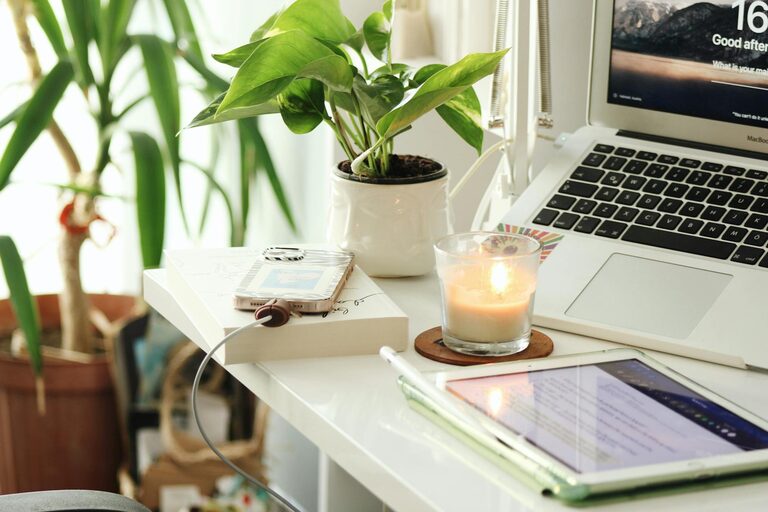
Creating a cozy and productive home office space is essential for anyone working remotely or managing tasks from home. A well-designed workspace can boost your focus, reduce stress, and increase overall job satisfaction. Whether you have a dedicated room or just a small corner, there are plenty of ways to transform your area into a comfortable and efficient place to work. Here are some tips to help you create the perfect home office environment.
Choose the Right Location
Consider Natural Light
Natural light can significantly impact your mood and productivity. Whenever possible, set up your desk near a window. Exposure to daylight helps regulate your circadian rhythm and reduces eye strain. If natural light is limited, invest in good quality artificial lighting that mimics daylight to keep your space bright.
Minimize Distractions
Select a spot with minimal noise and foot traffic. If you share your home with others, try to find a quiet corner or use room dividers to separate your workspace. Noise-canceling headphones can also be a great help if you can’t avoid noisy areas.
Invest in Comfortable Furniture
Ergonomic Chair
Comfortable seating is crucial because you’ll likely spend hours sitting. Choose an ergonomic chair that provides proper lumbar support and allows your feet to rest flat on the floor. Adjustability is key, so you can tailor the chair to your body and avoid pain.
Functional Desk
Pick a desk that suits your work style. It should be large enough to hold your computer, notebooks, and any other items you frequently use. If space is tight, consider a foldable or wall-mounted desk. Standing desks or adjustable height desks are also great options if you want the flexibility to alternate between sitting and standing.
Organize Your Space
Declutter Regularly
A clutter-free workspace makes focusing easier. Keep only essential items on your desk, and make it a habit to tidy up regularly. Containers, trays, and drawer organizers can help keep small items like pens and paper clips under control.
Storage Solutions
Use shelves, filing cabinets, or storage boxes to keep documents and supplies organized. Labeling containers helps find things quickly and maintain order. Vertical storage solutions are great for maximizing small spaces.
Personalize Your Workspace
Add Plants
Indoor plants not only bring life and color to your office but also improve air quality and reduce stress. Choose low-maintenance plants such as succulents, snake plants, or pothos that thrive in indoor conditions.
Decorate Thoughtfully
Use artwork, inspirational quotes, or pictures that make you happy and motivated. However, avoid overdecorating as too much visual stimulation can be distracting.
Optimize Technology
Reliable Equipment
Ensure your computer, printer, and internet connection are reliable to avoid unnecessary frustration. Keep cables tidy with clips or covers to prevent tangles.
Use Headphones
If you work in a noisy environment, noise-canceling headphones or earbuds can help you stay focused and avoid distractions.
Maintain a Comfortable Environment
Temperature Control
Make sure your workspace is neither too hot nor too cold. Consider a small fan or heater if needed.
Air Quality
Good ventilation is important. Open windows when possible or use air purifiers to maintain fresh air.
Set Boundaries and Routine
Define Work Hours
Establish and stick to set work hours to maintain balance between professional and personal life. Let household members know these hours to minimize interruptions.
Take Breaks
Incorporate short breaks to stretch, move around, or relax your eyes. This helps prevent fatigue and keeps your mind sharp.
Final Thoughts
Creating a cozy and productive home office space is about balancing comfort with functionality. Small changes like improving lighting, investing in ergonomic furniture, organizing efficiently, and personalizing your space can make a big difference in your workday. With a well-designed environment, you can enjoy greater focus, less stress, and a positive work-from-home experience.